Running the business
Invoicing in Excel or with software: the real cost of the spreadsheet
The spreadsheet costs nothing to buy. It costs in skipped numbers, forgotten reminders and rebuilt quarters. Here is the maths, without caricature.
By the SoloGestion team · · updated 19 October 2026 · 7 min read
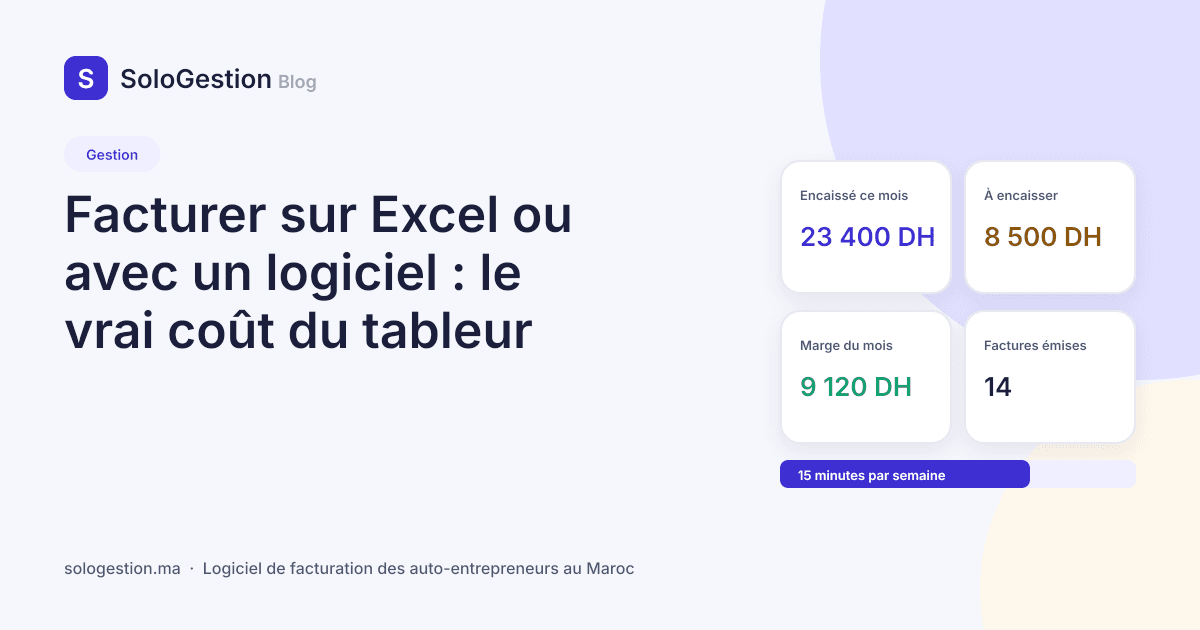
Let us be honest: Excel makes perfectly correct invoices. A clean template, your identifiers in the header, the VAT exemption mention, a PDF export, and the client pays. For the first six months the spreadsheet is even the right decision: you do not yet know whether the activity will hold, and one more subscription makes no sense. The question is not “Excel or software” in the abstract. It is: at what point does the spreadsheet start costing you more than it saves? This article does the maths with your figures, and also says when to stay on Excel.
What the spreadsheet does well
It is free, you know it, it never loses the network, and it produces a clean PDF if the template is clean. For an activity with three or four invoices a month, one regular client and no products, it has almost no flaw. The invoice guide gives the details to put in your template if you stay on it.
What the spreadsheet cannot do
- Guarantee numbering. A number typed by hand ends up repeated or skipped, and it is the first thing an inspection looks at. Numbers must be assigned at issue, in order, without intervention.
- Know who has paid. The spreadsheet holds invoices, not payments. Matching the two is done from memory, and memory forgets; that is how you end up chasing a client who has paid.
- Chase. A manual reminder is a reminder postponed to Monday. Late invoices pile up silently, and every week of delay lowers the probability of being paid.
- Count per client. The 80,000 MAD withholding threshold is computed per client and per year. Nobody keeps that counter in a tab.
- Project the ceiling. A total does not say where you will be in December; you need a pace and a projection.
- Keep the template current. A mention changes, a rate changes, and it is up to you to remember. The 2023 Excel template still says “VAT not applicable” when the official model says “exempt”.
The maths, with your figures
Take your hourly rate. Count the time spent each month making invoices, matching them with the statement, chasing and rebuilding the quarter: two to four hours for a normal activity, more with products. Multiply. A designer at 250 MAD an hour who spends three hours a month on it spends 750 MAD of their time, for a subscription that costs 99. For most auto-entrepreneurs the software pays for itself from the second hour. Add a single invoice forgotten in the year, or a single reminder sent too late, and the question is settled.
The invisible cost
There is a cost the hourly rate does not measure: the mental load of “I must check whether Karim has paid”. A register kept by the software removes that question; the dashboard replaces it with a figure.
What software must do, and what it must not
Good auto-entrepreneur software does few things, and does them without you thinking about it: number, print the mandatory details, record payments, chase, count the ceiling and the withholding, prepare the quarter, export your data. It must not ask you to understand double-entry bookkeeping, nor hold you prisoner: if you cannot export your clients, invoices and payments as CSV at any time, walk away. The software comparison details the nine criteria to check before choosing, and why French tools or SME software do not meet them.
When to stay on Excel
Fewer than five invoices a month, one client, no products, no company approaching 80,000 MAD: the spreadsheet is enough, provided you keep a payment register alongside. Beyond that, every month spent on the spreadsheet costs more than the subscription, and the price of switching rises with the number of invoices to re-enter.
How to switch without breaking the numbering
- 1Export your clients from the spreadsheet as CSV and import them into the software, with their ICE.
- 2Set the next invoice number to the one following your last Excel invoice: the sequence continues, no gap.
- 3Enter the current year’s still-unpaid invoices, so reminders and revenue received are accurate.
- 4Archive the spreadsheet: it remains your evidence for past invoices.
Frequently asked questions
- Is there an Excel template for auto-entrepreneur invoices?
- Yes, and it can be correct if it carries the nine mandatory details and the exemption mention. What is missing is not in the template, it is around it: numbering, payments, reminders, ceiling.
- Is invoicing software compulsory?
- No. No text imposes it on the auto-entrepreneur today. Electronic invoicing is being prepared in Morocco; the day it applies, up-to-date software will apply it for you.
- Can I get my data back if I change software?
- That is the criterion to check before signing up. SoloGestion exports clients, invoices, payments and expenses as CSV at any time, trial included.
- How much does SoloGestion cost?
- 99 MAD a month on Pro (80 MAD yearly), 149 MAD on Business (120 MAD yearly), after a 15-day free trial with no card. Details are on the pricing section.